Can You Text From A Plane?
Quick Answer
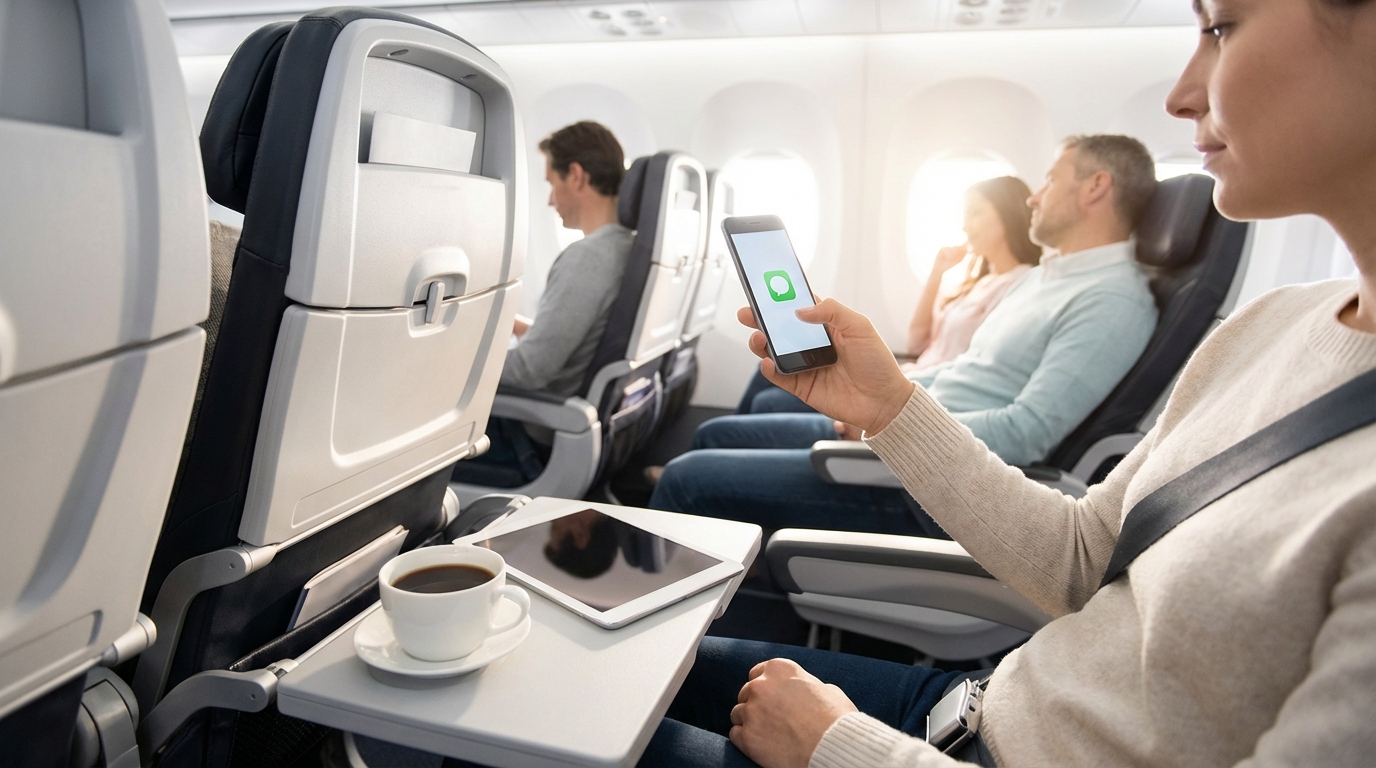
Yes, you can text from a plane. Most major U.S. airlines offer free WiFi-based messaging, letting you send iMessages, WhatsApp texts, and more without paying for full internet access. Regular SMS texts won't work in airplane mode, though.
Yes, You Can Text From a Plane — For Free on Most Airlines
Most major U.S. airlines offer free text messaging over WiFi. You don't need to buy a full internet package. Just connect to the airline's WiFi network and use an internet-based messaging app like iMessage, WhatsApp, or Facebook Messenger.
The catch: regular SMS and MMS texts (the green bubble kind on iPhone) won't work. Those require a cellular connection, which is disabled in airplane mode. But if you're using iMessage, WhatsApp, Telegram, Signal, or any other internet-based messaging app, you're good to go on most flights.
How Texting Works on Every Major U.S. Airline
Here's the breakdown of free messaging by airline:
Delta Air Lines
Delta offers free WiFi on most domestic flights for SkyMiles members (free to join). That includes full internet, not just messaging. On flights where free WiFi is available, you can text, browse, stream — the works. On flights still rolling out the service, free messaging through iMessage, WhatsApp, and Facebook Messenger is typically available.
United Airlines
United provides free messaging on most flights through apps like iMessage, WhatsApp, and Messages by Google. You'll see a free messaging option when you connect to the United WiFi portal. Full internet access starts at $8 for MileagePlus members.
Southwest Airlines
Southwest offers free messaging over WiFi. Connect to the SouthwestWiFi network, open your browser, and select the free texting option. Full internet access is available for purchase if you want to do more than text.
JetBlue
JetBlue has offered free WiFi (Fly-Fi) on all flights for years. You get full internet access, including messaging, browsing, and streaming. It's one of the most generous in-flight WiFi policies out there.
Alaska Airlines
Alaska provides free messaging over WiFi. Connect to the Alaska WiFi network, go to alaskawifi.com in your browser, and choose the free texting option. Works with iMessage, WhatsApp, and Facebook Messenger.
American Airlines
American Airlines is rolling out free WiFi across its fleet. On equipped aircraft, you'll get full internet access. On other planes, free messaging is typically available through the WiFi portal.
How to Set Up Texting on a Plane
Here's the step-by-step process that works on virtually any airline:
- Turn on airplane mode before the cabin door closes
- Enable WiFi while staying in airplane mode (this is allowed and encouraged)
- Connect to the airline's WiFi network — it'll have the airline name in it
- Open your browser and follow the WiFi portal instructions
- Select the free messaging option if prompted (some airlines auto-connect)
- Open your messaging app — iMessage, WhatsApp, Signal, whatever you use
- Start texting
One thing to watch: on iPhone, make sure iMessage is enabled (Settings > Messages > iMessage toggle). If it's off, your phone will try to send regular SMS texts, which won't go through in airplane mode.
Which Messaging Apps Work on Planes?
Any messaging app that works over WiFi will work on a plane's WiFi network. The most common ones:
- iMessage — the blue bubbles on iPhone. Works great over WiFi.
- WhatsApp — works perfectly on both iPhone and Android
- Facebook Messenger — works over WiFi
- Telegram — works over WiFi
- Signal — works over WiFi
- Messages by Google (RCS) — Android's default messaging, works over WiFi on supported carriers
- Slack and Teams — these technically work too, if you consider work messages "texting"
What Doesn't Work
- Regular SMS/MMS (green bubble texts on iPhone) — these need a cellular connection
- Phone calls — not allowed on U.S. flights (FCC rule, not FAA)
- FaceTime/Video calls — even on airlines with free WiFi, video calls use too much bandwidth and are generally frowned upon or blocked
T-Mobile's Free In-Flight WiFi
If you're a T-Mobile customer, you might already have free in-flight WiFi included with your plan. T-Mobile sponsors free WiFi on Delta, Alaska, Hawaiian, and Southwest airlines. Depending on your plan tier, you may get full internet access or just messaging — but either way, texting is covered.
You don't need to do anything special. Just connect to the airline's WiFi, and when the portal asks how you want to connect, look for the T-Mobile option. Sign in with your T-Mobile credentials and you're set.
Can You Text on International Flights?
It depends on the airline and the route. Generally:
- U.S. airlines on domestic routes: Free messaging is widely available
- U.S. airlines on international routes: Free messaging is often available, but coverage can be spotty over oceans. Delta's free WiFi is expanding to transatlantic flights.
- International carriers: Policies vary wildly. Some offer free messaging, others charge for all WiFi, and a few still don't have WiFi at all. Check your specific airline before you fly.
On international flights, WhatsApp is your best bet since it works across platforms and is the default messaging app in most of the world.
Tips for Texting on a Plane
A few things that'll make your in-flight texting experience smoother:
- Download your messaging app updates before you fly. If WhatsApp needs an update, it might not let you send messages until you update — and you won't be able to download updates on plane WiFi.
- Log into your messaging apps before takeoff. If you need a verification code to log in, you won't be able to receive it via SMS in airplane mode.
- Keep messages text-only when possible. Photos and videos use more bandwidth and take forever on plane WiFi. Stick to text for the most reliable experience.
- Don't send voice messages. Plane WiFi is often too slow for voice messages to send reliably, and recording voice messages in a quiet cabin is a great way to annoy everyone around you.
- Charge your phone. WiFi drains battery faster than airplane mode alone. Bring a charging cable or battery pack, especially for longer flights.
What About Receiving Texts?
You'll receive WiFi-based messages (iMessage, WhatsApp, etc.) in real time while connected to the plane's WiFi. As for regular SMS texts that people sent while you were in airplane mode, those will all arrive at once when you turn airplane mode off after landing. They don't disappear — they just queue up and get delivered when your phone reconnects to the cellular network.
Same goes for missed calls. You won't see them during the flight, but you'll get notifications and voicemails once you land and turn off airplane mode.
The Bottom Line
Texting from a plane is easy and free on most major U.S. airlines. Connect to the airline's WiFi, use an internet-based messaging app like iMessage or WhatsApp, and you can stay in touch throughout your flight. Regular SMS won't work in airplane mode, but that's barely an inconvenience now that virtually all messaging has moved to internet-based apps.
Frequently Asked Questions
Can I send regular SMS texts on a plane?
No. Regular SMS and MMS texts require a cellular connection, which is disabled in airplane mode. You need to use an internet-based messaging app like iMessage (blue bubbles), WhatsApp, or Facebook Messenger over the plane's WiFi network. These work on most airlines for free.
Is texting on a plane free?
On most major U.S. airlines, yes. Delta, United, Southwest, JetBlue, and Alaska all offer free WiFi-based messaging. You can use iMessage, WhatsApp, and similar apps without buying a full WiFi package. JetBlue and Delta (for SkyMiles members) go further and offer full free internet on most flights.
Will I receive texts that were sent while I was in airplane mode?
WiFi-based messages (iMessage, WhatsApp, etc.) arrive in real time while you're connected to the plane's WiFi. Regular SMS texts queue up and all arrive at once when you turn off airplane mode after landing. Nothing gets lost — delivery is just delayed.
Can I make phone calls or FaceTime from a plane?
Phone calls are not allowed on U.S. flights — that's an FCC rule. FaceTime and other video calls are technically possible on airlines with free WiFi, but most airlines block them or strongly discourage them due to bandwidth and passenger courtesy concerns.
Written by Aviation Experts
Aviation Professionals
With decades of combined experience in the aviation industry, our team shares insider knowledge to make your travel experience smoother and less stressful.
Was this article helpful?