When Can You Use Your Phone on a Plane?
Quick Answer
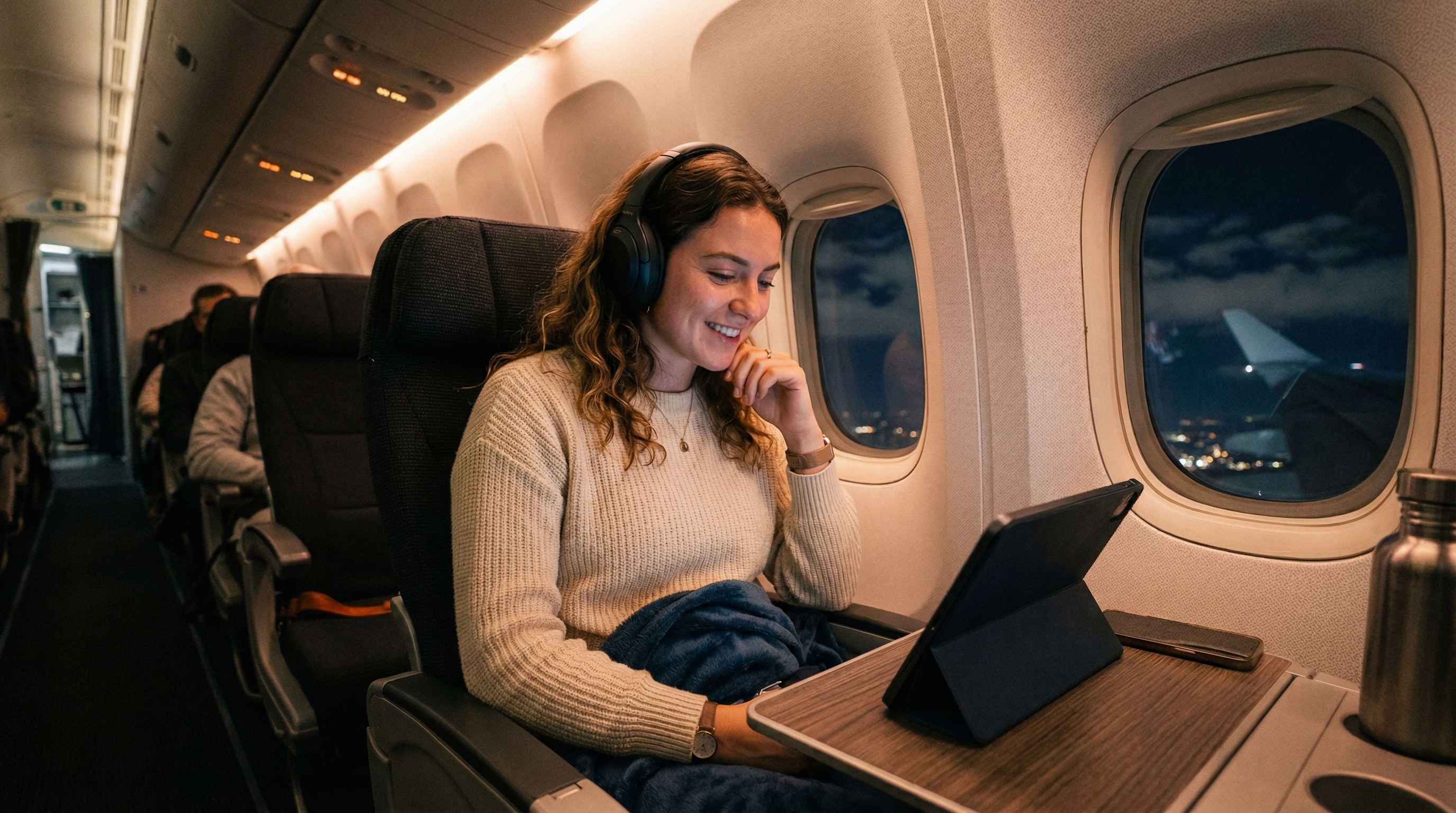
You can use your phone on a plane in airplane mode at virtually any point during the flight. Cellular calls and data require turning off airplane mode, which is only allowed when the crew announces it — typically after landing.
Answer Snapshot
What matters before you fly
This page is structured for fast scanning, direct answers, and source-first verification.
Updated
Mar 19, 2026
Read Time
3 min read
Topic
First Time Flyers
Need To Know
- Before the doors close : Normal use, any mode
- Doors close through landing : Airplane mode required (cellular off)
- During cruise : Wi-Fi is usually available if the airline has it; Bluetooth for headphones is fine
- After landing, crew announcement : Cellular use permitted again
Buying Guides
Best Next Buying Guides For This Topic
These money pages are the most relevant commercial follow-ups for readers who want a practical next step.
3 picks
Best Portable Chargers for Travel
A dead phone at the airport is a nightmare. Here are the best portable chargers for travel, from compact lipstick-sized options to laptop-charging powerhouses.
3 picks
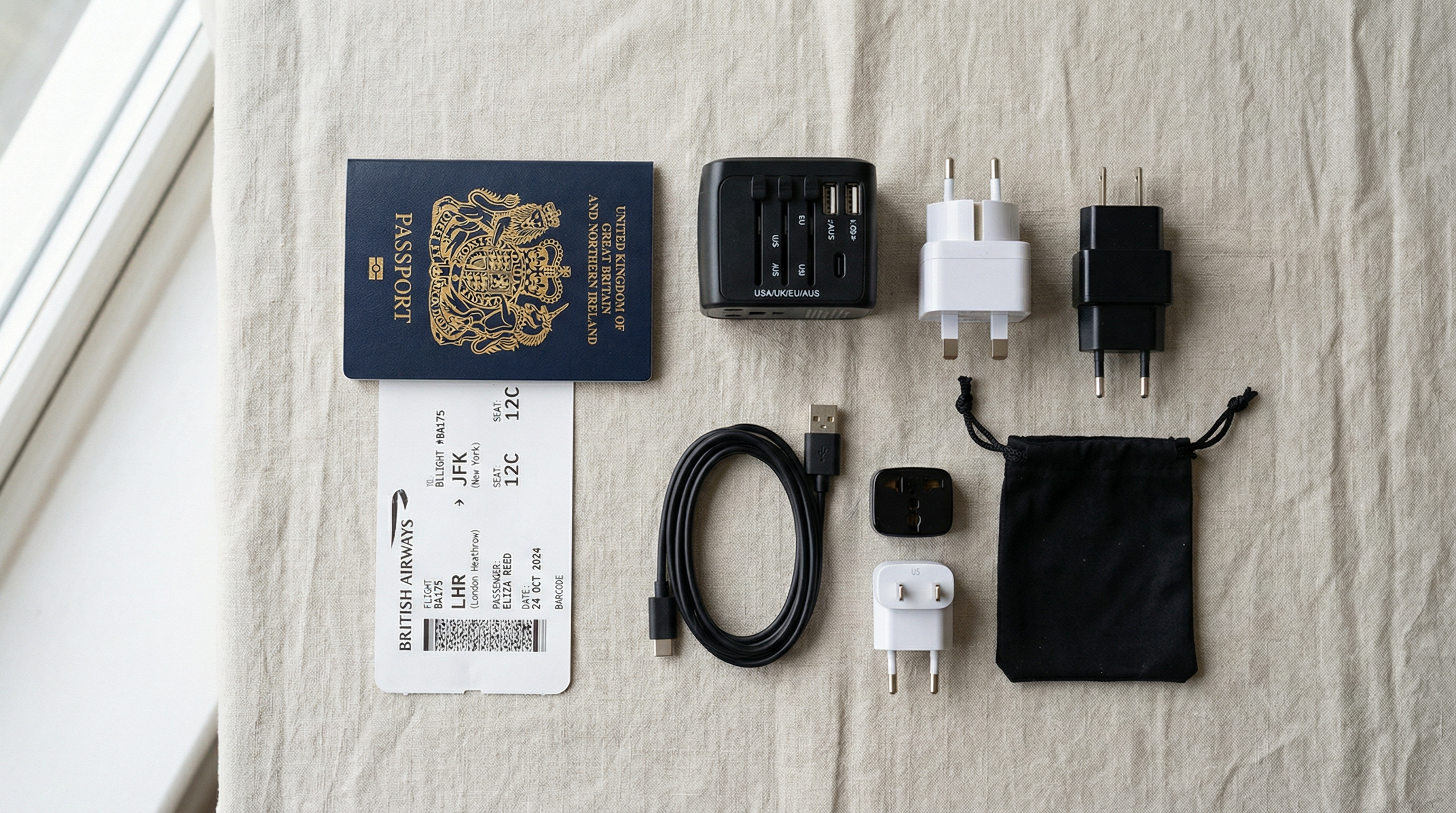
Best Travel Adapters for International Travel
Don't fry your phone charger in a foreign outlet. Here are the best travel adapters that actually work worldwide, from budget picks to premium multi-port chargers.
2 picks
Best Laptop Bags for Travel in 2026
The best laptop bags for travel double as your airline personal item, fit under the seat, and keep your computer organized with dedicated sleeves, charging ports, and TSA-friendly security checkpoint access.
3 picks
Best Headphones for Flights in 2026
The best headphones for flights use active noise cancellation (ANC) to block airplane engine rumble. Sony WH-1000XM5 and Bose QuietComfort 45 are the top choices for in-flight entertainment.
Start Here
First-Flight Picks That Make Everything Easier
Simple, practical travel gear for readers who want their first trip to feel organized from the start.

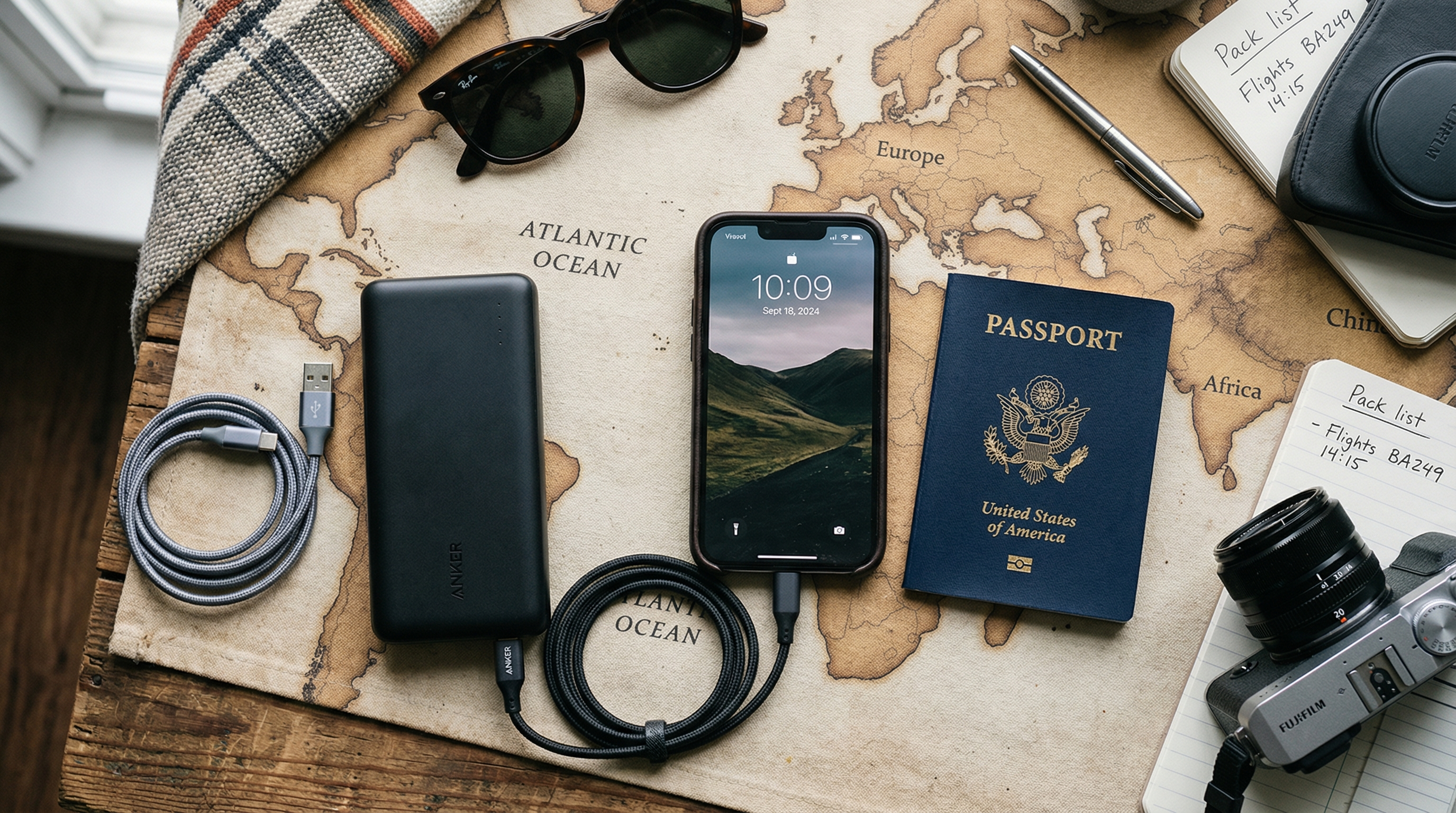
Anker PowerCore 10000 Portable Charger
The best-selling portable charger for most travelers. Compact as a deck of cards, charges a smartphone about 2.5 times, and Anker's PowerIQ technology fast-charges any device. Under $25 and one of the most reliable power banks on the market.
Merchant
Amazon

EPICKA Universal Travel Adapter TA-105
The most popular universal travel adapter on Amazon. Works in 200+ countries, charges up to 6 devices simultaneously with USB-C and 4 USB-A ports, and includes built-in safety shutters. Comes with a travel pouch.
Merchant
Amazon

Samsonite Classic Business Backpack
TSA checkpoint-friendly laptop backpack holds 17-inch laptops. Luggage sleeve, organizational pockets.
Merchant
Amazon
Disclosure: Some links in this section are affiliate links. If you buy through them, we may earn a commission at no added cost to you.
Prices and availability can change.
Compare The Picks
A faster way to see which option fits your trip and price point.
Anker PowerCore 10000 Portable Charger
The best-selling portable charger for most travelers. Compact as a deck of cards, charges a smartphone about 2.5 times, and Anker's PowerIQ technology fast-charges any device. Under $25 and one of the most reliable power banks on the market.
Keeping devices alive in transit
From Best Portable Chargers for Travel
EPICKA Universal Travel Adapter TA-105
The most popular universal travel adapter on Amazon. Works in 200+ countries, charges up to 6 devices simultaneously with USB-C and 4 USB-A ports, and includes built-in safety shutters. Comes with a travel pouch.
Most travelers
From Best Travel Adapters for International Travel
Samsonite Classic Business Backpack
TSA checkpoint-friendly laptop backpack holds 17-inch laptops. Luggage sleeve, organizational pockets.
Most travelers
From Best Laptop Bags for Travel in 2026
Anker PowerCore 10000 Portable Charger
The best-selling portable charger for most travelers. Compact as a deck of cards, charges a smartphone about 2.5 times, and Anker's PowerIQ technology fast-charges any device. Under $25 and one of the most reliable power banks on the market.
$21.99EPICKA Universal Travel Adapter TA-105
The most popular universal travel adapter on Amazon. Works in 200+ countries, charges up to 6 devices simultaneously with USB-C and 4 USB-A ports, and includes built-in safety shutters. Comes with a travel pouch.
$24.99Samsonite Classic Business Backpack
TSA checkpoint-friendly laptop backpack holds 17-inch laptops. Luggage sleeve, organizational pockets.
$49.99The Basic Rules for Phone Use on a Plane
Phone rules on a plane are simpler than many people think. The short version:
- Before the doors close: Normal use, any mode
- Doors close through landing: Airplane mode required (cellular off)
- During cruise: Wi-Fi is usually available if the airline has it; Bluetooth for headphones is fine
- After landing, crew announcement: Cellular use permitted again
What Airplane Mode Does and Doesn't Restrict
Airplane mode disables your phone's cellular transmitter — it stops sending and receiving signals over 4G/5G networks. It does not prevent you from:
- Playing games
- Using the camera
- Listening to downloaded music or podcasts
- Watching downloaded videos
- Using apps that work offline
- Reading downloaded articles or ebooks
- Using a calculator, clock, or notes app
After enabling airplane mode, you can also manually re-enable Bluetooth (for wireless headphones) and Wi-Fi (for in-flight internet access) independently — they're just turned off by default when you enable airplane mode.
Can You Use Wi-Fi on a Plane?
Yes, if the aircraft is equipped with in-flight Wi-Fi. Most major US airlines have Wi-Fi on domestic flights, though coverage varies:
- Delta: Wi-Fi on most domestic and international flights; free messaging on some routes
- American: Wi-Fi on most mainline domestic aircraft
- United: Wi-Fi on most routes, including free texting via messaging apps
- Southwest: Wi-Fi on most flights; has offered free in-flight Wi-Fi in some periods
- JetBlue: Free high-speed Wi-Fi (Fly-Fi) on all aircraft
Cost ranges from $0 (free airlines or airline credit card benefit) to $8-30+ per session or flight. Speed is typically adequate for messaging and light browsing; video streaming is variable.
To use in-flight Wi-Fi: enable airplane mode, then manually re-enable Wi-Fi in your settings. Connect to the aircraft's Wi-Fi network, open a browser, and follow the instructions to pay (if required) or simply connect.
Can You Use Bluetooth on a Plane?
Yes. Bluetooth is allowed throughout the flight. Use it for:
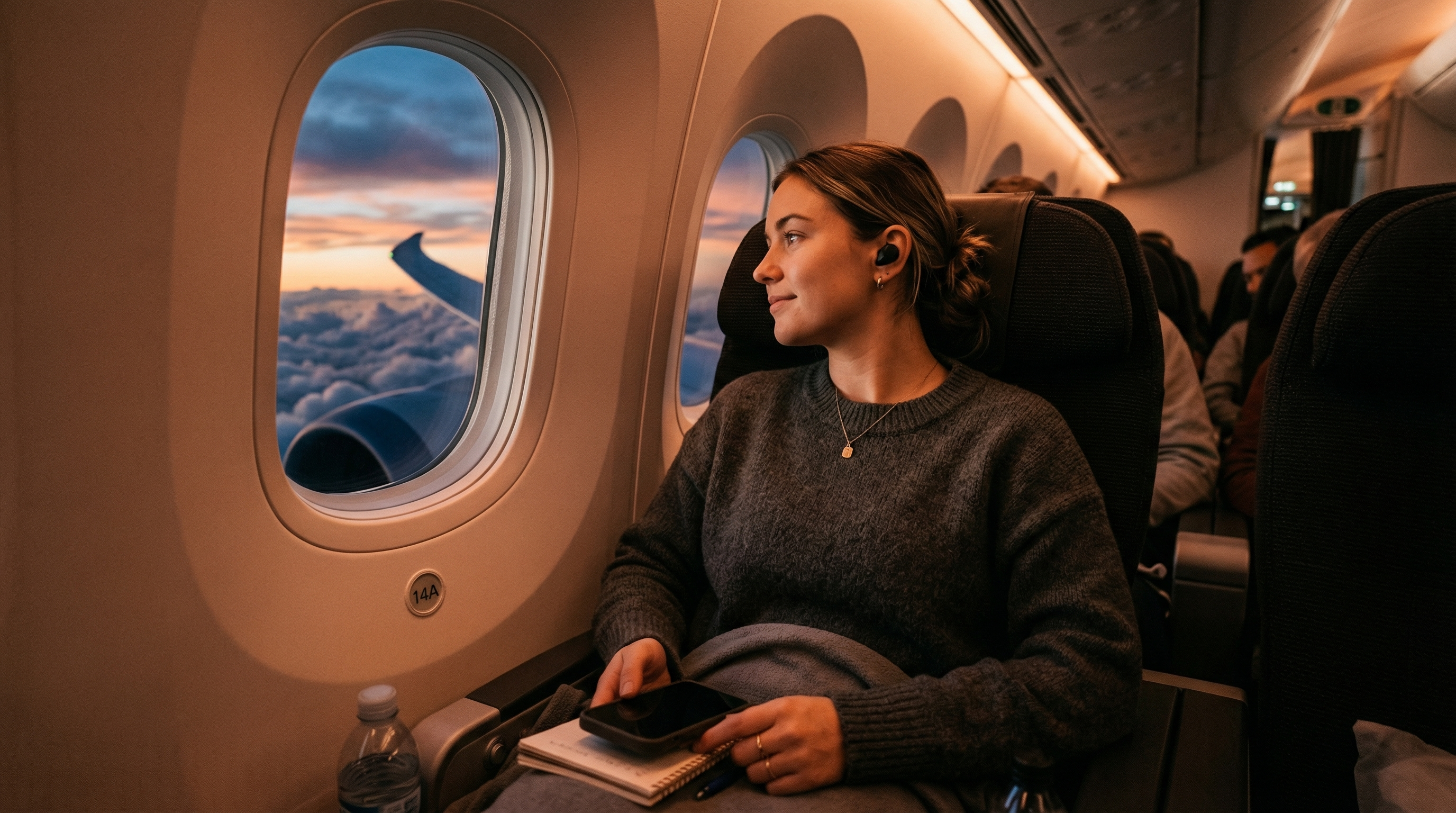
- Wireless headphones (AirPods, Bose, Sony, etc.)
- Bluetooth keyboards
- Smart watches
- Any other Bluetooth accessories
Enable airplane mode, then manually turn Bluetooth back on. It remains on even in airplane mode once you re-enable it.
Can You Make Phone Calls on a Plane?
Making traditional voice calls (using the cellular network) is not permitted during flight. The FAA requires cellular transmission to be disabled, and airplane mode is how that's accomplished.
However, you can make VoIP calls (Voice over Internet Protocol) via apps like FaceTime, WhatsApp, Zoom, Google Meet, or Skype if the aircraft has Wi-Fi — these use the internet rather than the cellular network. Whether airlines allow this is a separate matter: most airlines permit voice calls via apps technically, but many discourage it (and some prohibit it) out of courtesy to fellow passengers.
Delta, United, and most major US carriers have policies against in-flight voice calls. The rule is more social than regulatory in many cases.
When Is Cellular Use Allowed?
Once the plane lands and the crew makes an announcement that electronic devices may be used in cellular mode, you're free to turn off airplane mode. This announcement typically comes:
- After the plane has pulled into the gate on domestic flights
- After the seat-belt sign turns off on some flights
- Occasionally earlier if the airline has enabled in-flight cellular service (rare in the US)
Some European and international airlines have started offering in-flight cellular service (allowing actual voice calls at altitude), but this is still uncommon in the US as of 2026.
During Takeoff and Landing Specifically
During takeoff, climb, approach, and landing, your phone should be in airplane mode with the screen down or locked in many cases. Flight attendants may ask you to put the phone away (face down) rather than have it out distracting you during these higher-attention phases.
Some airlines ask passengers to put devices away entirely during taxi and takeoff — not for interference reasons, but for situational awareness. In an emergency evacuation, you need to be focused, not filming.
Using Your Phone as a Boarding Pass
One practical note: you need your phone's screen on and readable during boarding to scan your boarding pass at the gate. Make sure your brightness is turned up, your screen lock doesn't activate between gate and scanner, and you have the boarding pass accessible before you join the boarding line.
Frequently Asked Questions
Can I use my phone during the entire flight?
Yes, in airplane mode. Once the plane door closes, enable airplane mode and you can use your phone for offline apps, downloaded content, camera, games, and more throughout the flight.
Can I watch Netflix on a plane?
If you've downloaded content offline, yes. If you need an internet connection, you'll need the plane's Wi-Fi. Netflix's download feature lets you save shows and movies for offline viewing before you board.
Can I use Bluetooth headphones on a plane?
Yes. Enable airplane mode, then manually turn Bluetooth back on in settings. Bluetooth is allowed throughout the flight.
When can I turn off airplane mode after landing?
When the crew announces electronic devices may be used in full mode — typically once the plane is at the gate. Don't turn off airplane mode during the taxi in unless the crew announces it's okay.
More First Time Flyers Answers
Keep building context with more closely related questions in this topic cluster.
Best Luggage Scales to Avoid Overweight Fees
Overweight baggage fees range from $50 to $200. A $12 luggage scale pays for itself on the first trip. Here are the best portable scales for weighing your bags at home.
Best Luggage Trackers: AirTag vs Tile vs Samsung
Lost luggage is stressful enough without wondering where your bag actually is. Here's how AirTag, Tile, and Samsung SmartTag compare for tracking checked bags through airports.
Best Packing Cubes for Travel
Packing cubes transformed how I travel. Here are the best ones for every budget and packing style, from basic organizers to compression cubes that slash volume by 60%.
Best Portable Chargers for Travel
A dead phone at the airport is a nightmare. Here are the best portable chargers for travel, from compact lipstick-sized options to laptop-charging powerhouses.
Best Travel Backpacks for Flying
The right travel backpack replaces a suitcase, fits in the overhead bin, and doesn't destroy your back. Here are the best ones for every type of traveler and budget.
Do You Have to Remove Your Laptop from Your Bag at TSA?
At standard TSA checkpoints, yes — laptops and large tablets must be removed from your bag and placed in a separate bin. TSA PreCheck members can leave them in their bags.
Disclosure: Some links on this page are affiliate links. We may earn a commission at no extra cost to you.
Air Travel Questions Editorial Team
Researched Against Official Travel Sources
We build guides around official TSA, airline, airport, DOT, and government guidance, then update pages as rules and policies change. Read our editorial policy. Browse our source library.
Was this article helpful?
Get travel tips and deals in your inbox
Join our newsletter for expert travel advice, packing tips, and exclusive deals — delivered weekly.