Can You Bring a Drone on a Plane?
Quick Answer
Yes, you can bring a drone on a plane. TSA allows drones in both carry-on and checked bags. The catch is the batteries — drone batteries are lithium-ion and must follow FAA rules. Spare batteries go in carry-on only, and they must be under 100 watt-hours.
The Quick Answer
Drones are allowed through TSA security and on passenger aircraft. The drone itself — the frame, motors, propellers, controller, camera — can go in either your carry-on or checked bag. But the batteries are where it gets complicated. Drone batteries are lithium-ion, and the FAA has strict rules about lithium batteries on planes.
Here's the deal: spare drone batteries must go in your carry-on. Batteries installed in the drone can go in checked luggage, but only if the drone is powered off. And all batteries must be under 100 watt-hours unless you have airline approval. Let's break down everything you need to know.
The Battery Rules
Batteries are the single most important thing to get right when flying with a drone. Mess this up and you're looking at confiscated gear, missed flights, or serious fines.
Watt-Hour Limits
- Under 100 Wh — allowed in carry-on without restriction. Most consumer drone batteries fall in this range.
- 100-160 Wh — allowed in carry-on with prior airline approval. Limited to two spare batteries per person.
- Over 160 Wh — banned from passenger aircraft. Period.
Common Drone Battery Sizes
Here's where popular consumer drones fall on the watt-hour scale:
- DJI Mini 4 Pro — approximately 19.6 Wh (well under limit)
- DJI Air 3 — approximately 47.3 Wh (under limit)
- DJI Mavic 3 Pro — approximately 77 Wh (under limit)
- DJI Inspire 3 — approximately 131.6 Wh (needs airline approval)
- Large cinema/industrial drones — often over 160 Wh (banned from passenger flights)
Most hobbyist and prosumer drones use batteries well under 100 Wh. If you're flying a DJI Mini, Air, or standard Mavic series, you're fine without any special approval.
Spare vs. Installed Batteries
This distinction matters a lot:
- Installed battery (in the drone) — can go in carry-on or checked luggage, as long as the drone is completely powered off
- Spare batteries (not in the drone) — carry-on only. Never in checked luggage. This includes batteries in the "Fly More" combo packs.
If you check your drone with a battery installed, make sure it's powered off — not in sleep mode, not in standby, but completely off. Some drones have a habit of waking up from vibration or button presses inside a bag.
TSA Security Screening
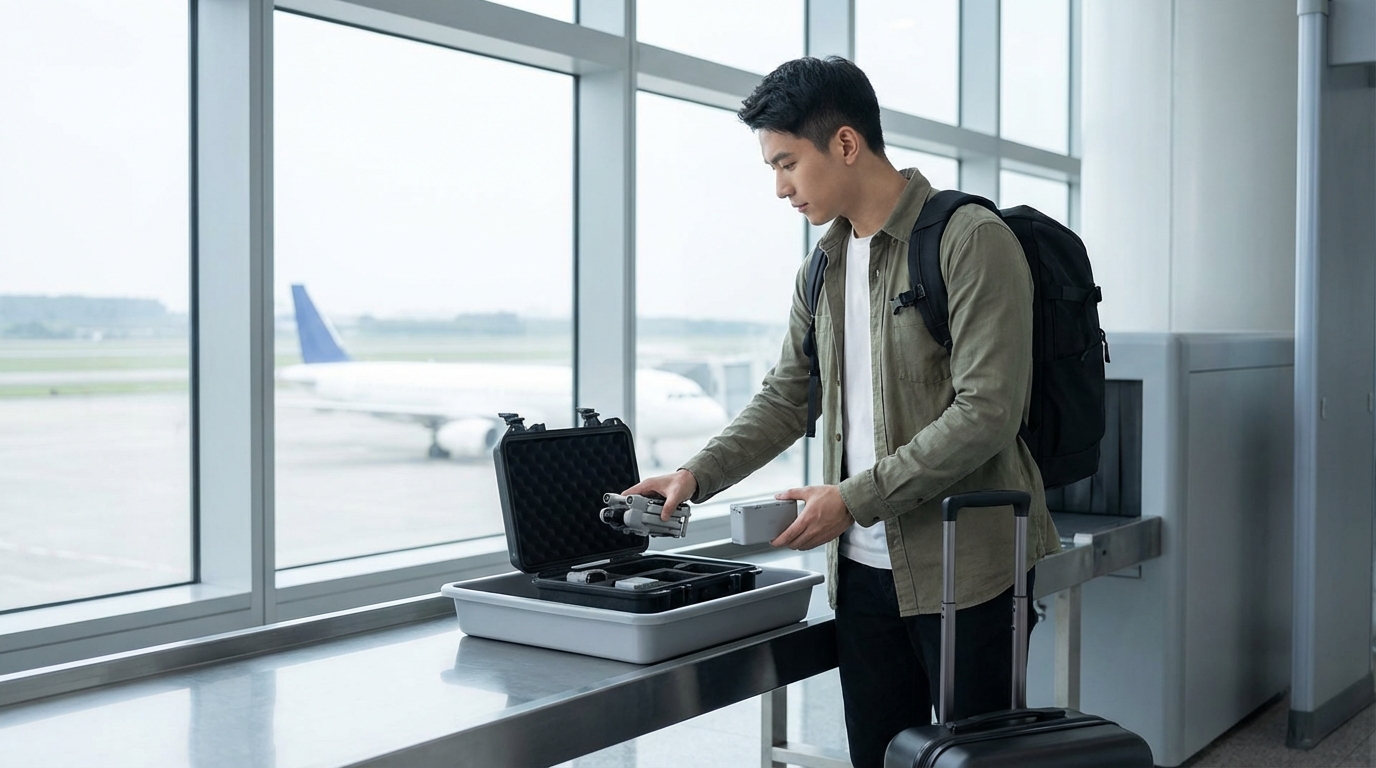
Getting a drone through TSA security is straightforward, but it helps to know what to expect.
What to Expect at the Checkpoint
TSA officers see drones regularly. They're not prohibited items, and they shouldn't cause alarm. However:
- The drone will need to come out of your bag if it's larger than a cell phone (standard screening lanes)
- Batteries may get a closer look, especially if you're carrying several
- The controller can stay in your bag unless an officer asks for it
- Propellers are fine — they're not considered dangerous items
In TSA PreCheck lanes or at airports with CT scanners, everything stays in your bag.
Propellers
Drone propellers are allowed in both carry-on and checked luggage. Despite being sharp-ish, they're not classified as prohibited items. Small drone propellers from consumer drones have never been an issue. Larger propellers from cinema drones might get a second look, but they're still allowed.
Carry-On vs. Checked Bag
You have options for where to put your drone, but the best approach depends on your setup.
Carry-On (Best Option)
Carrying your drone on solves all the battery headaches. Everything stays together — drone, batteries, controller, charger — and nothing goes in the cargo hold where lithium batteries are restricted.
Most consumer drones fit easily in a carry-on:
- DJI Mini series — fits in a jacket pocket, let alone a carry-on
- DJI Air series — fits in any backpack
- DJI Mavic series — fits in most carry-on bags with room to spare
Dedicated drone backpacks from DJI, Lowepro, and others are designed to meet carry-on size limits while protecting your gear.
Checked Bag
If you check your drone, follow these rules:
- Remove all spare batteries and carry them on
- Leave one battery installed in the drone, powered completely off
- Protect the drone in a hard case with padding
- Remove the propellers to prevent them from catching on things
- Consider removing the gimbal guard or camera cover for protection
Remember: airlines generally don't cover damage to electronics in checked luggage. If your drone arrives broken, that's on you.
Airline-Specific Drone Policies
While TSA controls the security checkpoint, individual airlines set their own policies for what flies in their cabins and cargo holds.
US Airlines
Most major US airlines allow drones as carry-on or checked items, following FAA battery guidelines. But there are nuances:
- American Airlines — allows drones in carry-on and checked bags. Spare lithium batteries must be in carry-on. Batteries over 100 Wh need approval.
- Delta — same FAA-based policy. Asks that drones be completely powered off.
- United — follows FAA guidelines. Recommends carry-on for battery-powered devices.
- Southwest — allows drones as carry-on. Standard lithium battery rules apply.
International Airlines
International carriers may have stricter rules:
- Some airlines limit the total number of spare batteries per passenger
- Some require batteries to be discharged to 30% or less before flying
- A few airlines ban drones entirely from checked luggage
- Chinese airlines often have the strictest enforcement on battery labeling
Always check your airline's specific policy before packing your drone. Call the airline if the policy isn't clear on their website.
Packing Your Drone for Air Travel
Proper packing protects your investment and makes security screening faster.
Carry-On Packing
- Use a drone-specific case or bag — DJI's own cases are designed for travel and fit carry-on limits
- Keep batteries accessible — TSA may want to look at them. Don't bury them at the bottom.
- Protect the gimbal — the camera gimbal is the most fragile part. Use the gimbal clamp or cover that came with your drone.
- Props on or off — either works for carry-on. Off takes less space.
Battery Packing
- Put each spare battery in a LiPo-safe bag or the original packaging
- Tape over exposed terminals if the battery doesn't have a cover
- Don't stack batteries against metal objects like coins or keys
- Keep batteries at a storage charge level (typically 40-60%) — this is safer and better for battery health
Checked Bag Packing
- Use a hard-shell case like a Pelican or DJI hard case
- Pad generously — foam inserts are ideal
- Remove all spare batteries
- Power off the installed battery completely
- Lock the case with TSA-approved locks
Flying Your Drone at Your Destination
Getting your drone on the plane is only half the challenge. Before you fly it at your destination, you need to check local regulations.
Domestic US Travel
- FAA registration is required for drones over 0.55 lbs (250g)
- Many national parks ban drone flights entirely
- Cities and airports have specific no-fly zones
- Check the FAA's B4UFLY app for airspace restrictions at your destination
International Travel
Drone laws vary dramatically by country:
- Some countries require advance registration or permits for foreign drone operators
- Some countries ban drones entirely for tourists
- Some require you to declare drones at customs entry
- Penalties for unauthorized drone flights can include confiscation, fines, and even jail time in some countries
Research drone laws for your specific destination well before your trip. The rules change frequently.
What If Your Drone Gets Flagged at Security
If a TSA officer pulls your bag for manual inspection, stay calm. Drones are legal. The officer may:
- Ask you to power on the drone or controller
- Inspect batteries for labeling and capacity
- Swab the drone or case for explosives trace detection
- Ask you to open hard cases for a visual inspection
This is routine screening, not an indication that anything is wrong. Be cooperative, know your battery specs, and you'll be through in a few minutes.
Frequently Asked Questions
Can drone batteries go in checked luggage?
Only the battery installed in the drone can go in checked luggage, and the drone must be completely powered off. All spare drone batteries must travel in your carry-on bag. This is an FAA safety requirement.
How many drone batteries can you bring on a plane?
There's no specific FAA limit on batteries under 100 Wh. For batteries between 100-160 Wh, you're limited to two spare batteries per person with airline approval. Individual airlines may set their own limits, so check your carrier's policy.
Do you need to take a drone out of your bag at TSA?
In standard screening lanes, yes — electronics larger than a cell phone must be removed and placed in a separate bin. In TSA PreCheck or CT scanner lanes, the drone stays in your bag.
Are drone propellers allowed through TSA?
Yes. Drone propellers are permitted in both carry-on and checked luggage. TSA does not classify them as prohibited items.
Can you fly a drone at your travel destination?
It depends on local laws. In the US, check the FAA's B4UFLY app for airspace restrictions. Many national parks ban drones. International drone laws vary widely — some countries require permits, others ban tourist drone use entirely. Research before you go.
Written by Aviation Experts
Aviation Professionals
With decades of combined experience in the aviation industry, our team shares insider knowledge to make your travel experience smoother and less stressful.
Was this article helpful?