How to Connect to Airplane WiFi
Quick Answer
Connecting to airplane WiFi is straightforward once you know the steps. Here's exactly how to get online at 35,000 feet, what it'll cost you, and which airlines offer it free.
The Short Answer
Turn on airplane mode, re-enable WiFi, connect to your airline's network, open a browser, and follow the portal instructions. The whole process takes about two minutes. Most major U.S. airlines now offer free WiFi for loyalty program members, so sign up before you fly.
Step-by-Step: Connecting to In-Flight WiFi
Step 1: Enable Airplane Mode
Once the crew announces it's safe to use electronic devices (usually after reaching about 10,000 feet), switch your phone, tablet, or laptop to airplane mode. This turns off cellular service, which is required during the flight.
Step 2: Turn WiFi Back On
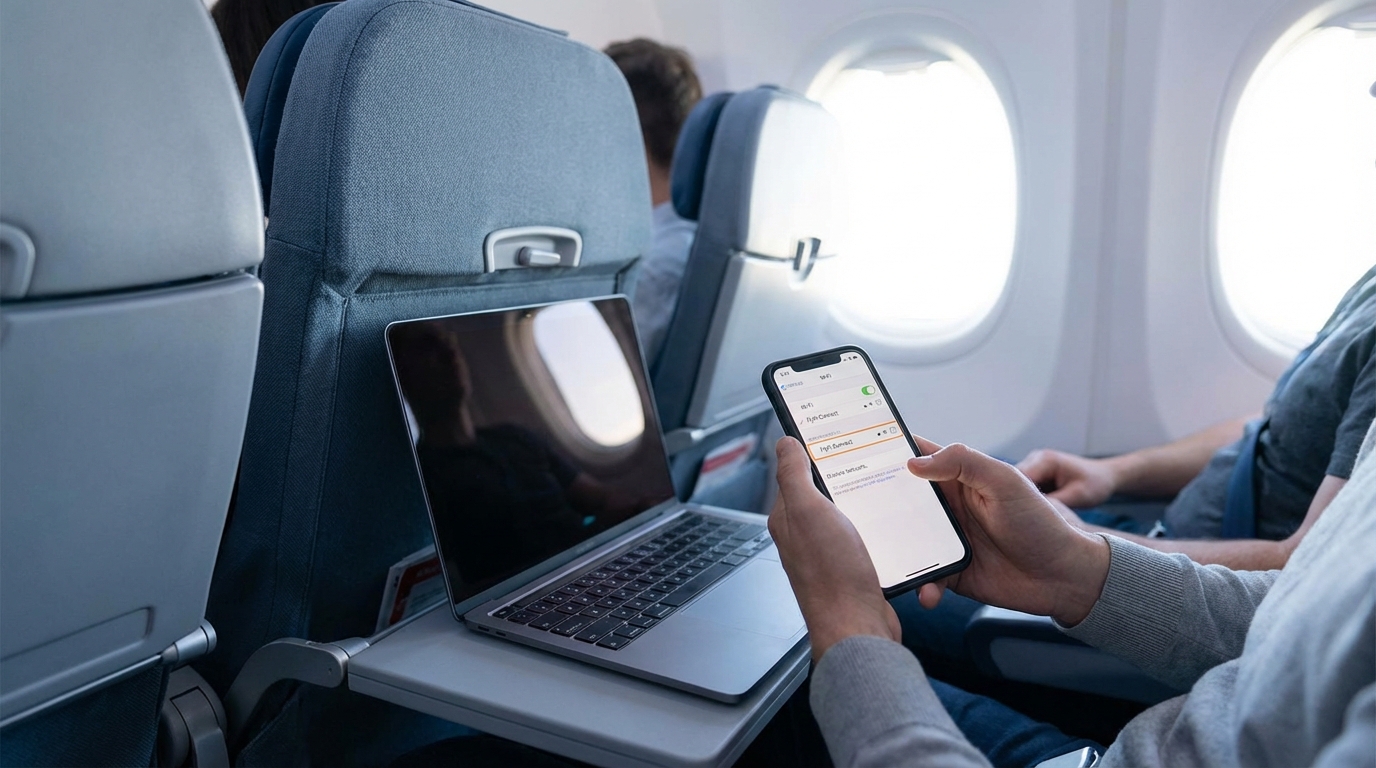
Here's the part that trips people up. Airplane mode turns off WiFi automatically, but you can turn WiFi back on while staying in airplane mode. Go to your device's WiFi settings and toggle it on. Your device will remember this preference for future flights.
Step 3: Find the Airline's Network
Look for your airline's WiFi network in the available networks list. Common names include:
- Delta — DeltaWiFi.com
- American Airlines — AA-Inflight
- United — United_Wi-Fi
- JetBlue — FlyFi
- Southwest — SouthwestWiFi
- Alaska — Alaska_WiFi
Tap or click the network to connect. There's no password.
Step 4: Open the Portal
After connecting, a captive portal page should pop up automatically. If it doesn't, open your browser and type the airline's portal URL directly. Try wifi.airline.com or just navigate to any website and you'll be redirected.
Some common portal addresses:
- Delta: delta.com
- American: aainflight.com
- United: unitedwifi.com
- JetBlue: flyfi.com
Step 5: Choose Your Plan and Connect
The portal will show your options. Depending on the airline, you might see free messaging, a paid browse plan, or completely free full-speed internet. Log in with your loyalty account if free WiFi is available, select your plan, and you're online.
Which Airlines Offer Free WiFi?
The free WiFi landscape has changed dramatically. Here's where things stand:
Completely Free for All Passengers
- JetBlue — Free Fly-Fi on every flight. Fast enough for streaming. No loyalty account needed. They've been the gold standard here for a while.
- Delta — Free for all SkyMiles members on most domestic flights. Delta has over 1,000 planes equipped with free WiFi and plans to have the entire global fleet covered.
Free for Loyalty Members
- American Airlines — Free WiFi for AAdvantage members starting in January. AAdvantage is free to join, so this is essentially free for everyone willing to create an account. Non-members pay upward of $20 per flight.
- United — $8 per flight for MileagePlus members, $10 for non-members on domestic and short-haul routes. Monthly subscription available for $49.
Paid Only
- Southwest — Free messaging via iMessage and WhatsApp. Full internet access costs $8 per flight.
- Spirit, Frontier — WiFi availability is limited. Don't count on it.
How Much Does Airplane WiFi Cost?
If you're paying out of pocket, here are the typical price ranges:
- Single flight pass: $8-$20 depending on the airline and flight length
- Monthly subscription: Around $49-$50 per month for unlimited domestic flights (American, Delta, and United all hover around this price)
- International flights: $69-$70 per month for plans that include overseas routes
Pro tip: if you fly the same airline more than once a month, the subscription pays for itself quickly.
WiFi Won't Connect? Try These Fixes
In-flight WiFi can be finicky. Here's what to do when things aren't working:
Wait Until Cruising Altitude
WiFi typically doesn't activate until the plane reaches cruising altitude, about 10,000 feet. If you're trying to connect right after takeoff, give it a few minutes.
Forget the Network and Reconnect
Go to your WiFi settings, "forget" the airline's network, then reconnect from scratch. This clears any cached connection issues.
Try a Different Browser
Some captive portals don't play nicely with certain browsers. If Safari isn't loading the portal, try Chrome, or vice versa. On iPhones, the built-in captive portal detection sometimes interferes. Manually typing the portal URL in your browser often fixes this.
Turn Off Your VPN
VPNs almost always block the captive portal from loading. Disable your VPN before trying to connect. You can turn it back on after you're authenticated and online.
Clear Your Browser Cache
If you've flown recently and the old session data is cached, it can cause problems. Clear your browser data or try an incognito/private window.
Restart WiFi
Toggle WiFi off and back on. Simple, but it works more often than you'd think.
What Can You Actually Do on Airplane WiFi?
This depends on the airline and the plan you're on:
- Free messaging tier: iMessage, WhatsApp, Facebook Messenger. Text only, usually no photos or video calls.
- Basic browse tier: Email, web browsing, social media. Streaming is usually blocked or too slow.
- Full-speed tier: Everything including streaming Netflix, Spotify, video calls, and large downloads. JetBlue and Delta's free WiFi generally supports this level.
Satellite-based WiFi (used on most flights over oceans) is slower than ground-based systems. Don't expect to join a Zoom call over the Atlantic.
Tips for a Better In-Flight WiFi Experience
- Download before you fly. Even with WiFi, streaming from your device's downloaded library is always smoother. Download Netflix shows, Spotify playlists, and podcasts before you leave home.
- Sign up for loyalty programs in advance. Create your AAdvantage, SkyMiles, or MileagePlus account before you board. You don't want to fumble through account creation on a slow connection.
- Bring a laptop if you need to work. The experience is significantly better on a laptop than a phone for anything beyond messaging.
- Avoid peak usage times. Right after the WiFi activates, everyone rushes to connect. Wait 10-15 minutes and speeds often improve.
- Close background apps. Disable automatic updates and cloud syncing. These eat bandwidth silently and slow everything down.
International Flights: What to Know
WiFi over oceans relies on satellite connections, which are slower and more expensive than the ground-based systems used on domestic routes. Expect to pay more and get less speed.
Some international carriers charge by data usage rather than by time. Lufthansa, Emirates, and Singapore Airlines all have their own WiFi systems with varying prices. Check your airline's website before departure so you know what to expect.
Also worth noting: WiFi availability can vary by aircraft. Even if an airline advertises WiFi, the specific plane you're on might not be equipped. Check your booking confirmation or the airline's app to see if your flight has WiFi before you count on it.
Frequently Asked Questions
Can I use WiFi in airplane mode?
Yes. Airplane mode turns off all wireless connections, but you can manually turn WiFi back on while remaining in airplane mode. This is exactly how in-flight WiFi works. Your cellular service stays off, but WiFi connects to the plane's onboard system.
Is airplane WiFi fast enough for streaming?
On some airlines, yes. JetBlue's Fly-Fi and Delta's free WiFi both support streaming on most flights. Other airlines may restrict streaming to paid tiers. Satellite-based WiFi on international flights is generally too slow for reliable streaming.
Why won't the airplane WiFi portal page load?
The most common causes are an active VPN, cached browser data, or trying to connect before the system is active at cruising altitude. Disable your VPN, try an incognito browser window, and manually type the airline's portal URL. If none of that works, toggle WiFi off and back on.
Do I need to pay for airplane WiFi?
Not always. JetBlue offers free WiFi for everyone. Delta and American Airlines provide free WiFi to loyalty program members, and those programs are free to join. United and Southwest still charge for full internet access, though Southwest offers free messaging.
Does airplane WiFi work on international flights?
Most long-haul international flights now have WiFi, but it uses satellite connections that are slower and pricier than domestic ground-based systems. Availability varies by aircraft, so check your airline's website or app to confirm WiFi is available on your specific flight.
Written by Aviation Experts
Aviation Professionals
With decades of combined experience in the aviation industry, our team shares insider knowledge to make your travel experience smoother and less stressful.
Was this article helpful?